
I Can Now Improve, Automate, Fix and Document Everything
Thanks to The Workflow and my AI pair, Claude Opus 4.6.
I kicked off a recent post about leveling up my Claude Code game as follows:
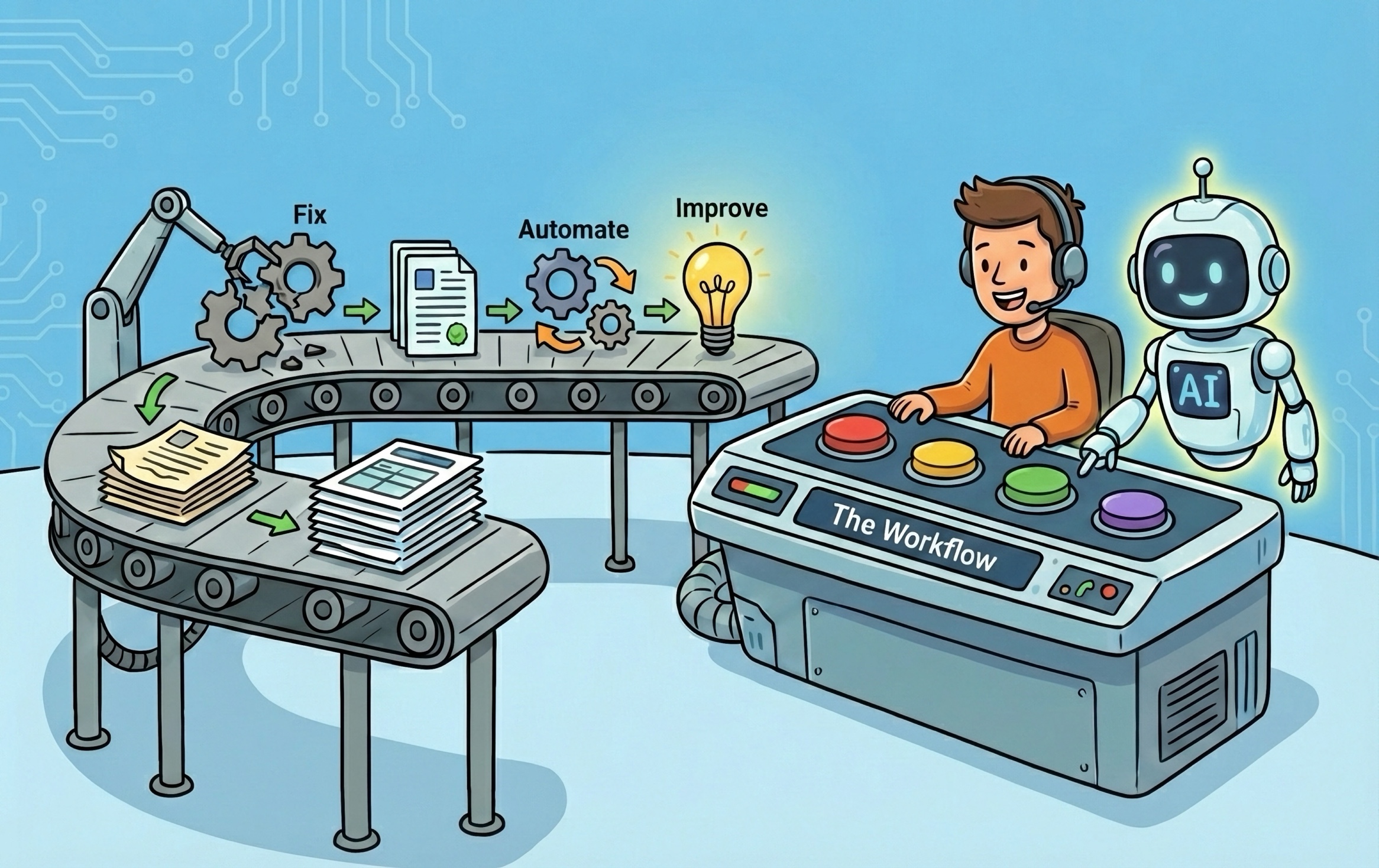
Moving from “I wish I could do something about X” to “I can definitely now do something about X—and Y and Z and A-B-C,” is a huge deal. AI is the enabler, but more specifically, the November arrival of Claude Opus 4.5 was, for me, the tipping point. That model crossed some kind of “smart enough” line where there was literally no workflow challenge it could not take on. (Things are now even better with Opus 4.6.)
Below I’ll outline how I’ve paired with Opus to tackle The Workflow.
The Workflow has a Git Repo
When I realized that I could start collaborating with Claude on The Workflow, one of my first steps was creating the-workflow, a Git repository for the overall project, with numerous folders for individual subprojects.
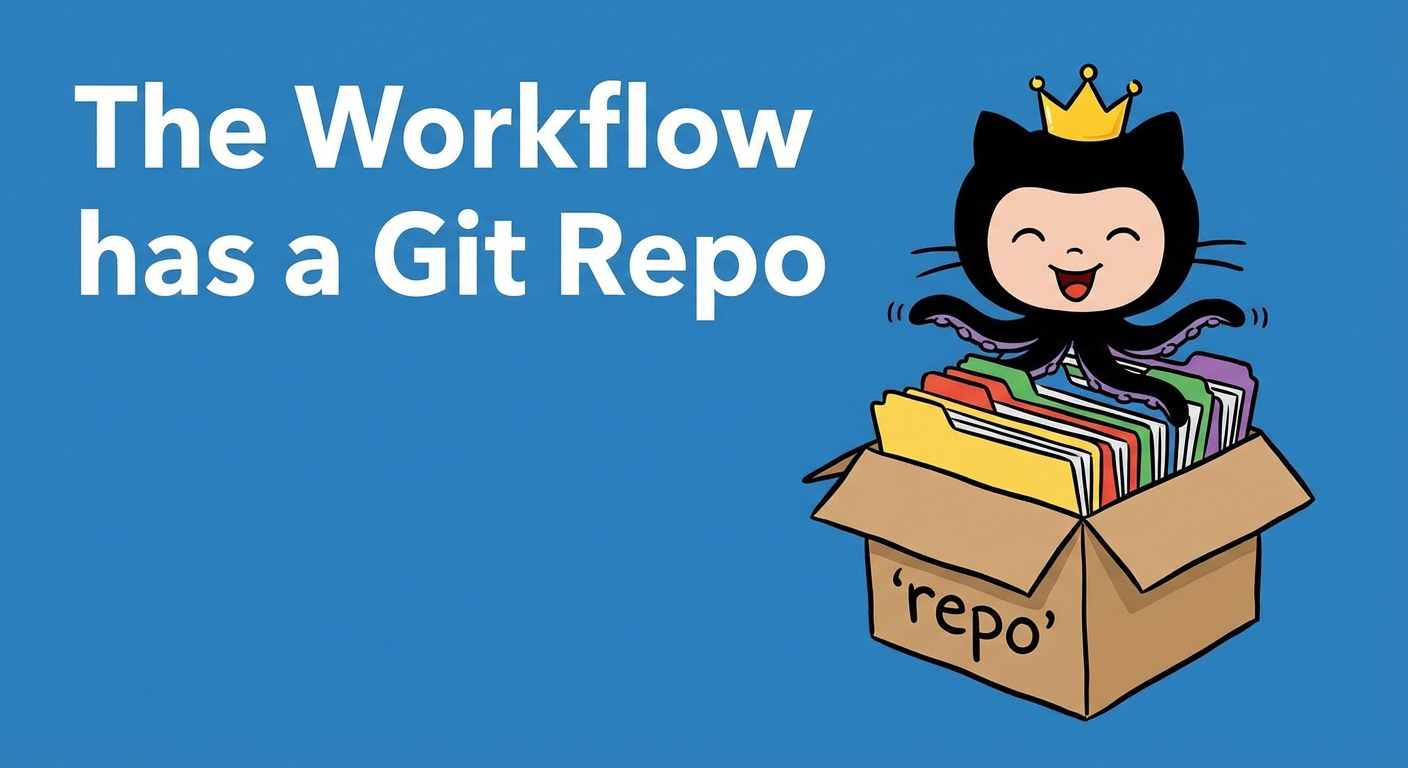
This turned out to be a very important step, because, in following good Claude Code practices for a repo, I created a CLAUDE.md with broad information about all my Workflow initiatives, and in each subproject, a well-stocked /docs directory. The result: the Claude Code that I run inside the-workflow repo is insanely smart about all aspects of my setup.
Shut Your Pi-hole
I use Pi-hole running on a Raspberry Pi to block ads on our home network. Sometime in the past month, I noticed my iPhone began getting ads, while on the home network … what the heck?
I had a little chat with Workflow Claude, and figured out that my recent upgrade to iOS 26 resulted in a new default setting “Limit IP Address Tracking” that bypassed local DNS and prevented Pi-hole from doing its thing. Toggled off, fixed.
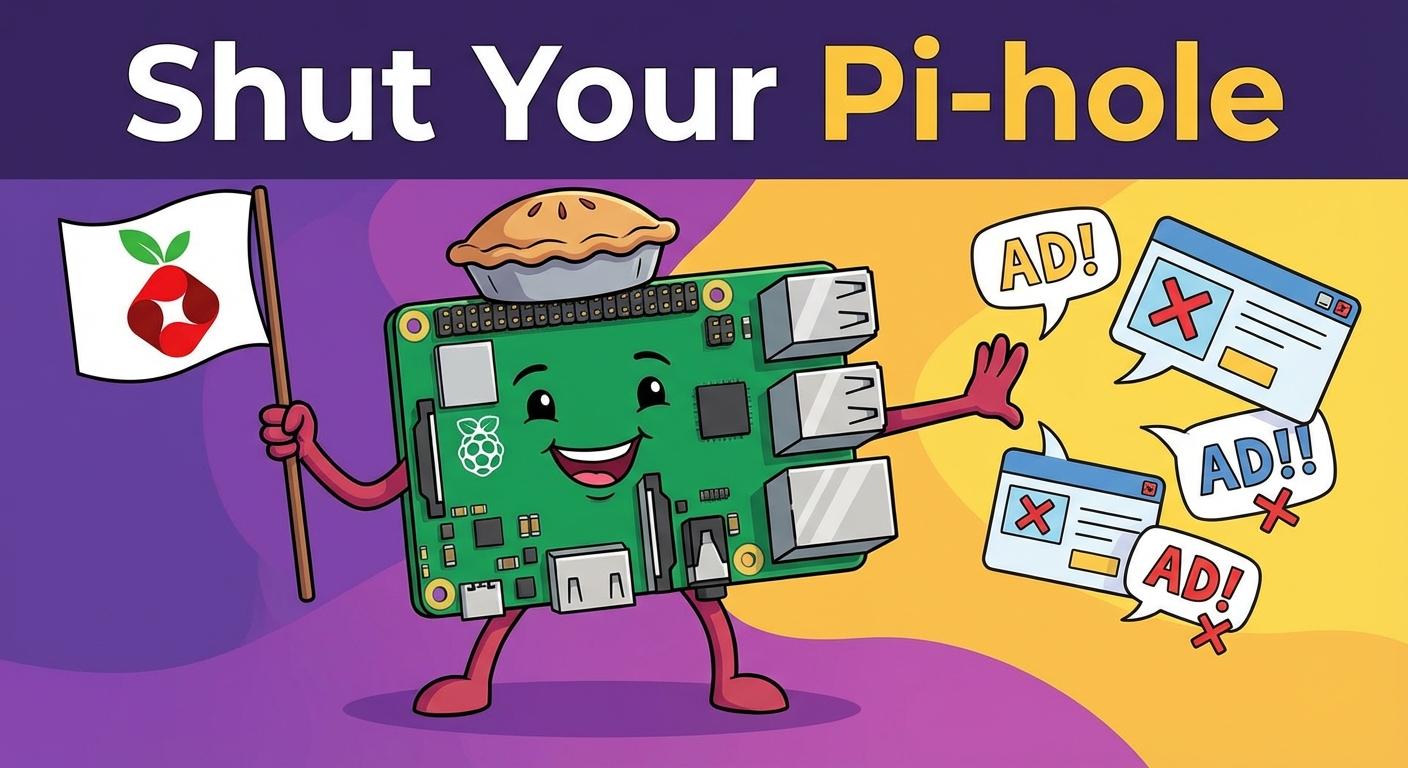
I also took the opportunity to capture Pi-hole setup documentation. One benefit of pairing with Claude Code in a terminal is that it has SSH access, so it was able to SSH in to the Pi and capture lots of details about the config. I also fed it some documentation I had done in Obsidian. So now Workflow Claude knows all about Pi-hole, my DNS setup, as well as other problems and upgrades on the Pi-hole todo list.
Connecting Obsidian to All Claudes
I use Obsidian across all my machines and devices for note-taking, bookmarking, task tracking, podcast snip librarying, and more. I figured I should connect Obsidian to Claude so I could put Claude to work on finding, organizing, and creating Obsidian content.
I went a bit crazy on this project, deciding I wanted all Claude surfaces including Claude.ai to have Obsidian access. But Claude.ai lives in the cloud, not on my local computer and network like Claude Desktop and Claude Code, how could I get this to work?
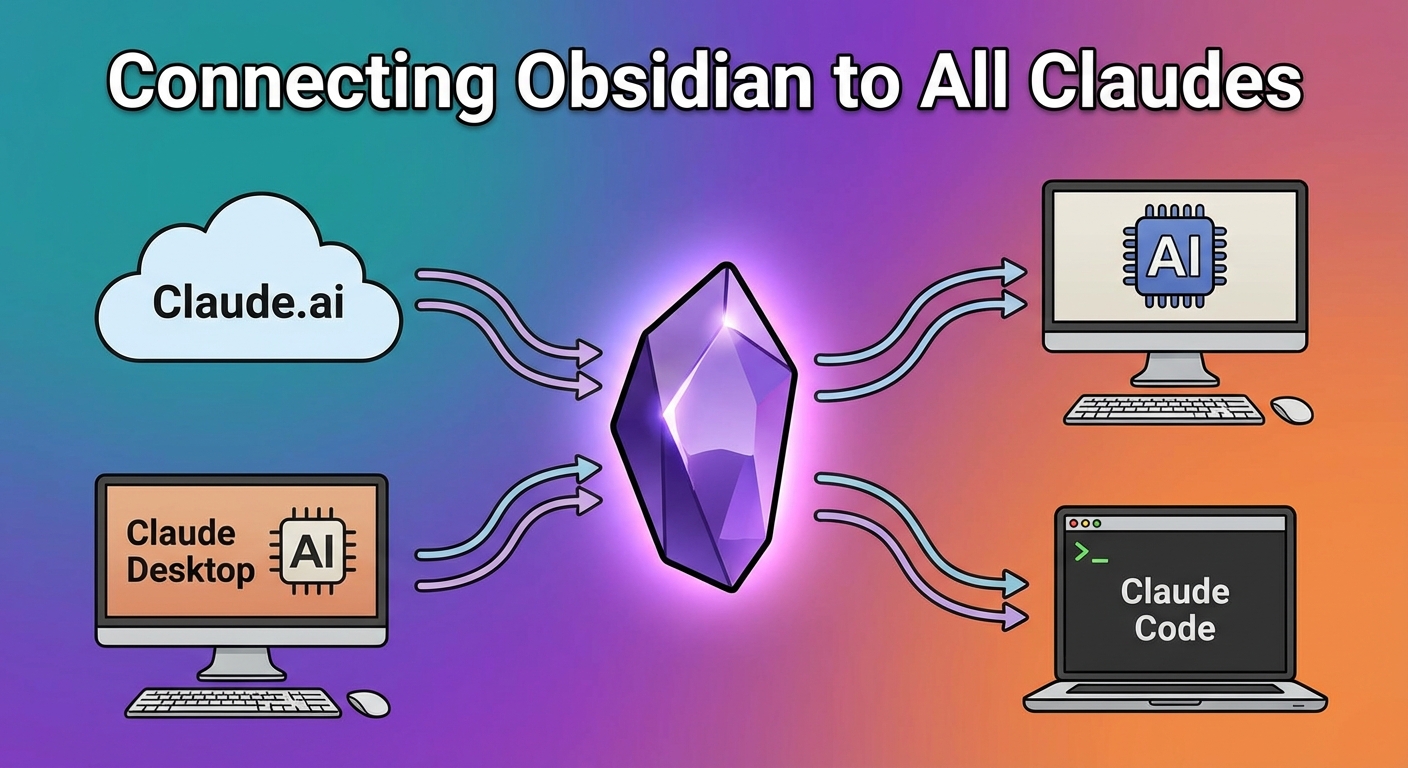
With Workflow Claude’s help, we worked out an architecture that involved:
- A Docker-based Obsidian instance running on my Synology NAS, along with the Obsidian REST API
- A Tailscale funnel into that NAS using my personal Tailscale network
- An authentication proxy that blocks unauthenticated traffic to Obsidian (an unlikely occurrence since Tailscale should prevent that) on the NAS
- Since I learned how to build Claude Connectors (OAuth MCPs) as part of the Skillport project, an OAuth MCP to authenticate into the NAS
- A Claude Obsidian Skill that helps Claude understand how to reach Obsidian content
Crazy, but Like a Fox
I say I went a bit crazy here—well, not really. One of my main responsibilities as an AI-forward CTO is to know the boundaries of what is and is not possible with AI. The overkill here in fully connecting Obsidian with all Claude surfaces was also an opportunity to see how smooth or rough this kind of multi-layer implementation would go with current-generation models like Opus 4.5 or Gemini 3 Pro. And guess what, it works! Obsidian from any Claude, including Claude.ai.
Backups; or “How Did I Set That Up??”
A couple years before I implemented The Workflow, I spent a good bit of time getting my backups in order, applying the 3-2-1 backup rule:
- 3 copies of your data
- 2 different storage media/types
- 1 offsite (or offline) copy
I fought through trying to get macOS Time Machine working across the network to my NAS (works great, until it inevitably and catastrophically fails), trying Synology’s HyperBackup client (hell no, I’m not giving you those privileges on my Macs), and many other iterations and experiments until I finally got something that worked reliably (Kopia to S3-compatible volumes on the NAS and Backblaze).
Then, since this was working, I didn’t need to touch it. For a year. And the way Jack’s Long Term Storage works is, something I did a year ago is at best vaguely remembered. So I woke up one day with only the barest clue as to how my backups were working.
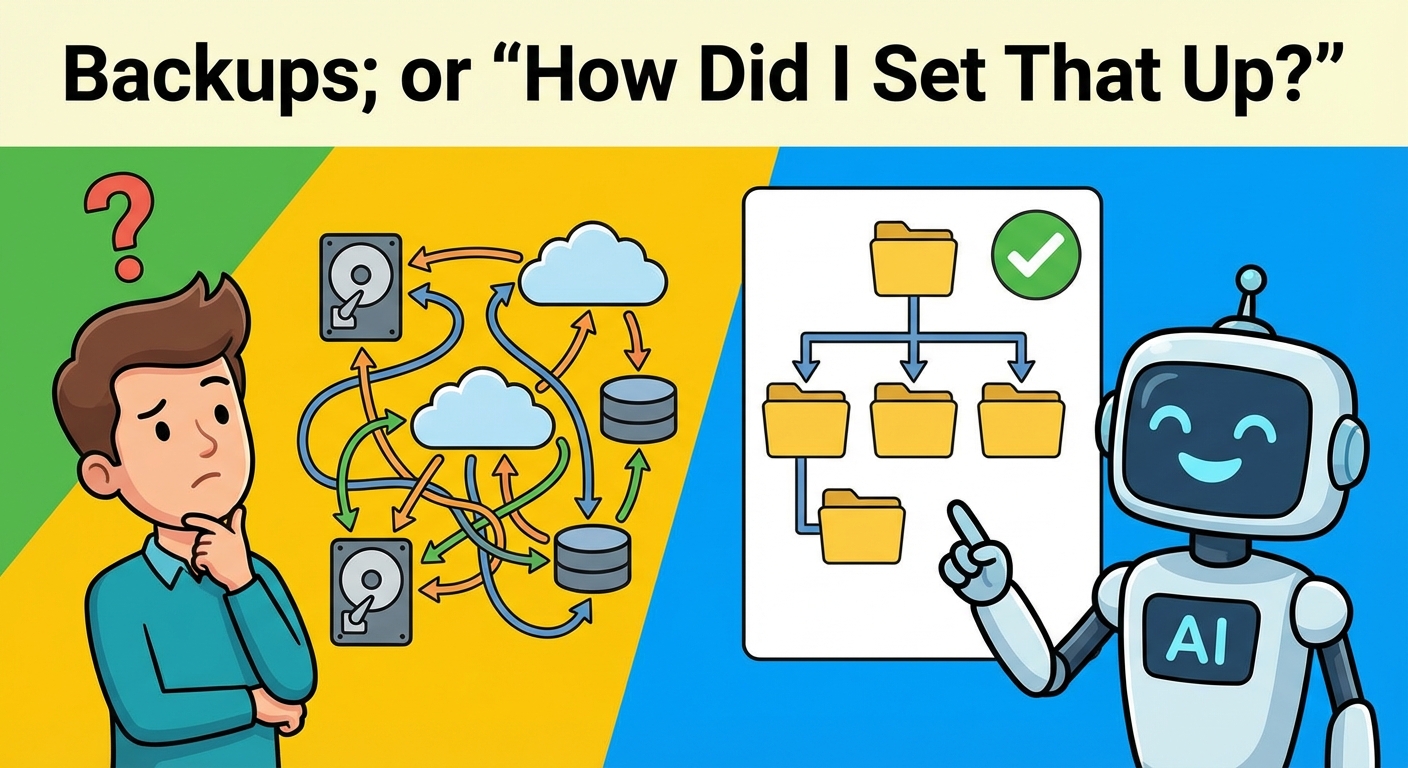
Opus 4.5 is a smartie, though. In a back-and-forth session of maybe 20 minutes, we together tracked down what I was
doing, the act of talking about it bringing back my memories. And we documented it, as in I asked the AI to create a
backup folder in the-workflow repo, and inside that a docs folder, and inside that some nice documentation. AIs
are really really good at this kind of documentation.
Continuous Updates
Once you have an AI-connected repo for your workflow—and it doesn’t need to be git, it could be Notion for example—the act of having the AI update the docs is extremely low effort. Just this morning, I was doing some Obsidian-related work on the NAS and realized, hmmm, how is the NAS’s configuration getting backed up? Had a chat with Opus, figured out what was and wasn’t covered, then remembered that Synology has a backup-your-config feature, checked it and yes, I had it enabled—then documented all of this. Took maybe 10 minutes.
IDE or No IDE? Which IDE?
As I wrote about recently, I’ve chosen to roughly follow Boris Cherny’s setup for Claude Code. Cherny suggests, by omission at least, that no IDE is needed—just do everything in Claude Code. That was a scary prospect to me, since heretofore I’ve been operating Claude Code inside an IDE and some of my workflows (such as writing!) really do involve editing. That said, I was serious enough about following Cherny that I really wanted to seriously consider how I might be able to operate terminal-only.
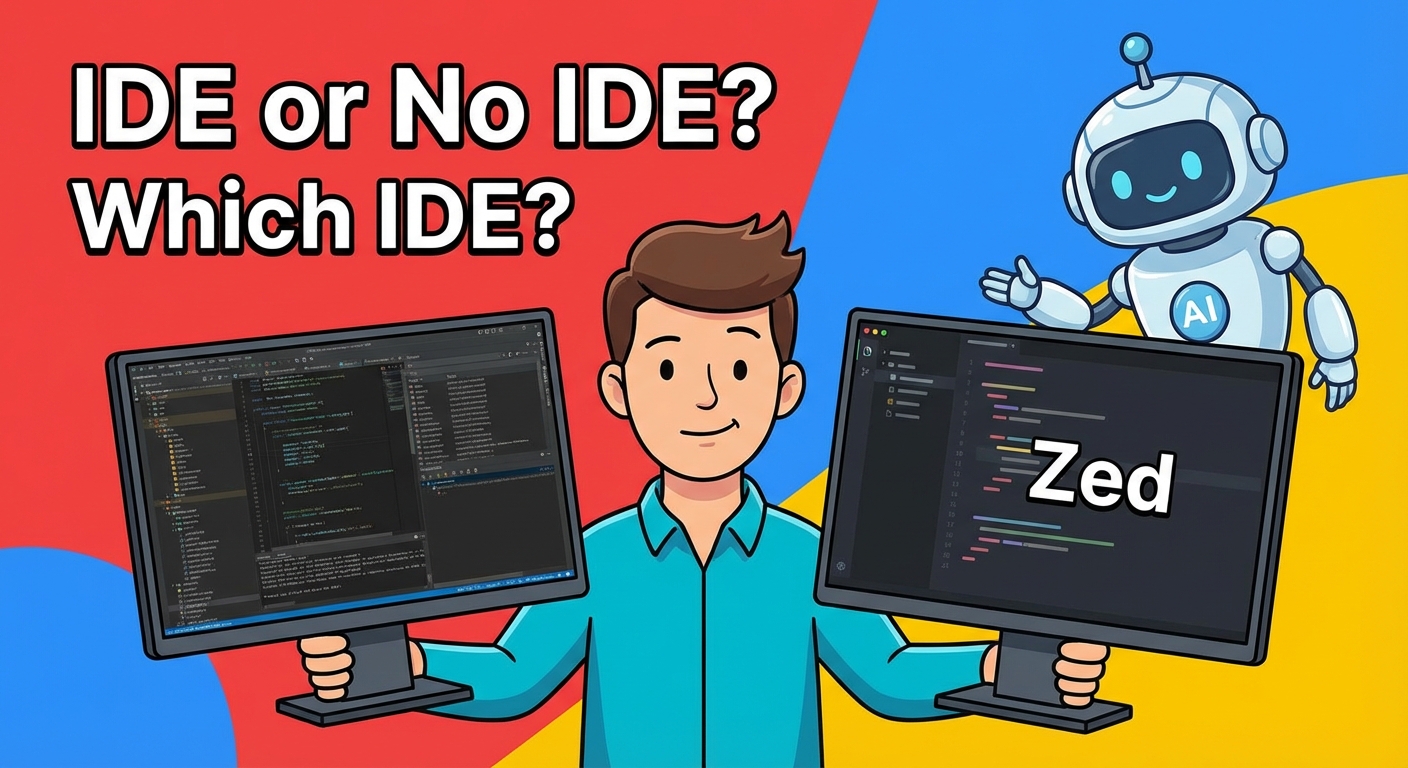
Who did I talk to? You guessed it, my pair, Opus 4.5. We had a long discussion about what terminal-only life would look like. This led me to the decision that I still wanted an IDE, but in a scaled back, secondary role compared to my then-current IDE-first mode.
Next decision: which IDE? My desire was “something lightweight that stays out of my way,” to which Claude responded with a shortlist of recommendations, including Zed. Having seen a recent “I switched to Zed” post on Hacker News, I tried it first and immediately fell in love. I’m writing this in Zed.
There’s More, But Enough Already
In all, the-workflow repo already has 14 projects and 8 subprojects, and those numbers grow every week. A side benefit for me, the AI-focused fractional CTO, is that I now have an infinite number of juicy AI learning projects available. For example, just this past week, Anthropic announced that MCP Apps, which enable full-strength UI components inside Claude, ChatGPT, Goose, and more, are now officially an open standard. Guess what’s next for my Obsidian setup? Custom UIs inside Claude, baby!
The key message here: AI has granted me the power to radically and continuously improve my personal workflow. Or to paraphrase Andrew Ng:
You shouldn’t still be doing things like it’s 2022.