
Helping Claude See ... Diagrams
I built an MCP that lets Claude see its own Excalidraw diagrams, iterate on them, and save them to Obsidian.
If you want your AI model to succeed at tasks, give it a way to check its work. Some of the most impressive feats in AI coding have been cases where a complete and testable specification existed, such as Simon Willison’s porting of the JustHTML project from Python to JavaScript. I’ve been focusing a lot of attention on making applications fully testable across all my various AI coding projects.
What If Claude Could Draw?
I love the Obsidian markdown-for-everything tool, using it for notes, bookmarks, task tracking, podcast snip captures—and diagramming, thanks to Zsolt Viczian’s excellent Obsidian plugin implementation of the awesome Excalidraw tool.
I’ve already built an Obsidian MCP and skill to give Claude access to that platform. It dawned on me that maybe I should also do something with Excalidraw. I figured a strong model like Claude Opus 4.6 would be perfectly capable of generating Excalidraw diagrams, whose JSON format is well documented. And that would be great: nothing against ASCII diagrams, but Excalidraw diagrams are an order of magnitude more powerful. If I could bring Excalidraw fluency to all Claude’s surfaces—Claude Code, Claude.ai, Claude Desktop, Claude Cowork—that would be huge. And it would play well with Obsidian.
At the same time, though, I doubted that Claude could create good Excalidraw diagrams unless it could “see” visual renders of the JSON it coded. Equip Claude with renders, though, and it would be able to iterate. Since I was already on a “give the AI model what it needs to validate its work” kick, I decided to look into how I might return visual diagram feedback to Claude. Working closely with Opus 4.6 in Claude Code, I explored various approaches.
Borrowing an Idea From QA Automation
In the QA automation space, QA harnesses (increasingly AI-driven these days) use browser automation tools to navigate through the app UI and test functionality. Browser automation gives the model access to the browser’s internal page representation (the DOM), but in many cases today’s vision-enabled models can do better by “looking”—at screenshots.
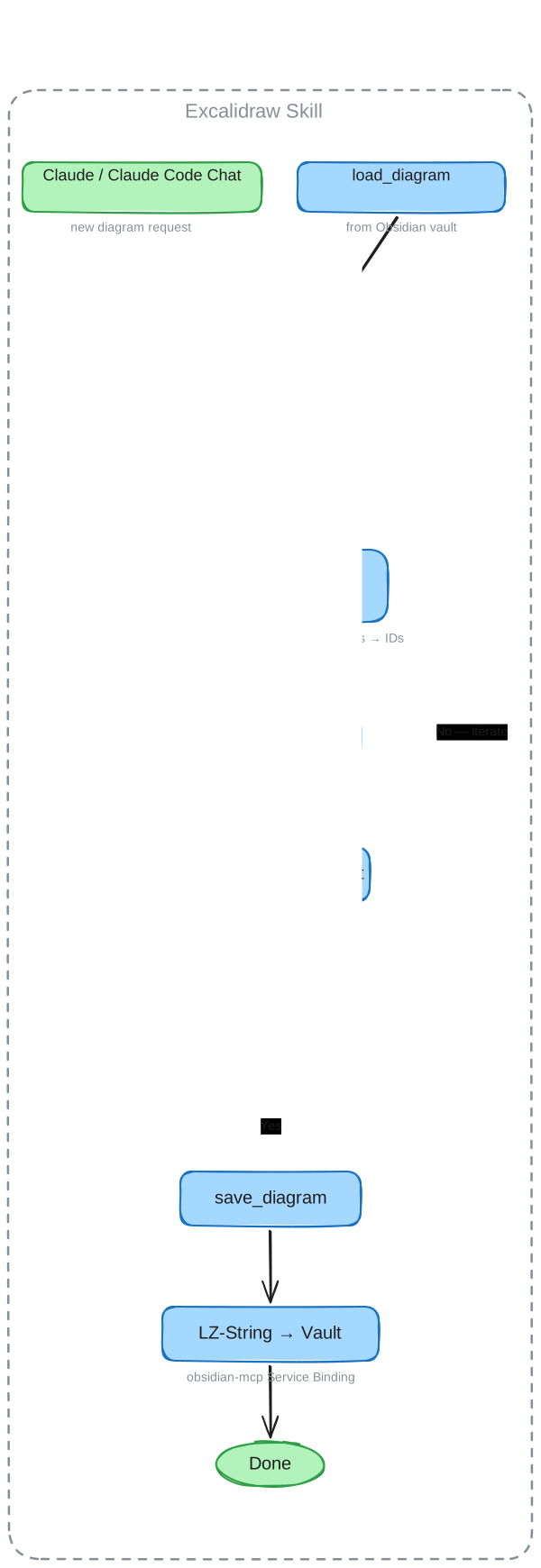
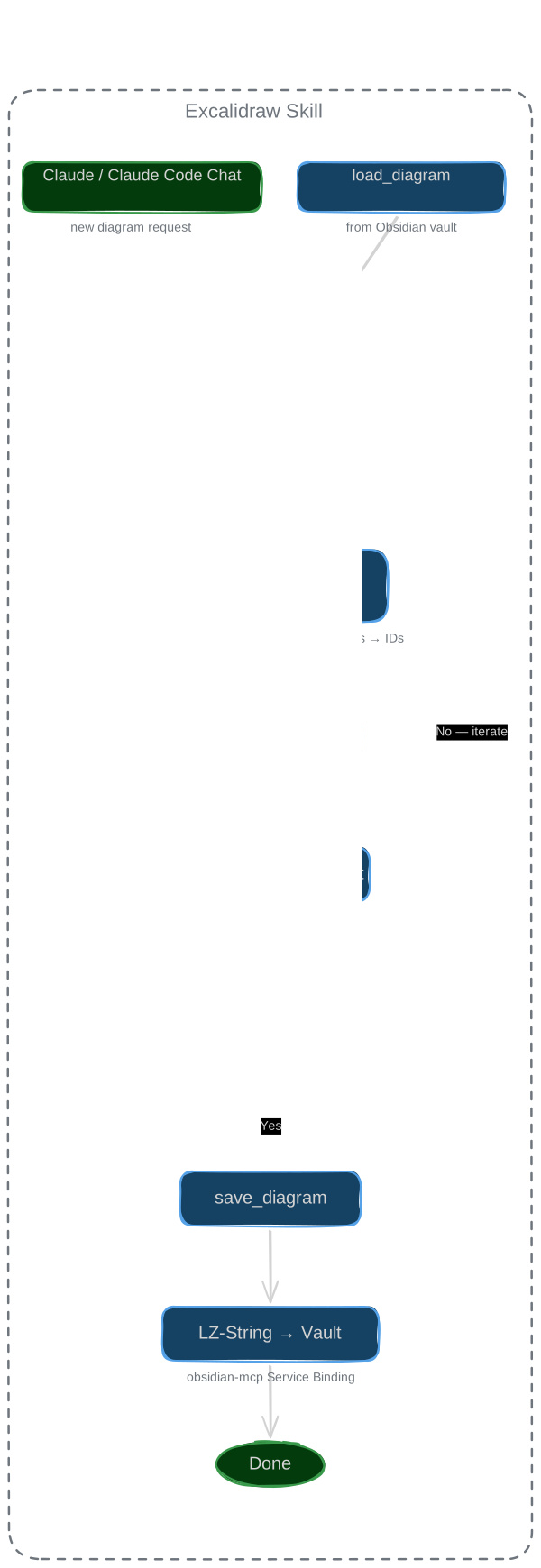
This concept is what Opus and I settled on: the model creates its initial Excalidraw JSON, ships it off to a Cloudflare worker connected as an MCP server, which then renders the diagram using a headless browser, snaps a screenshot, and sends it back to the model. Iteration enabled. Here’s a flow diagram, created by Claude in Excalidraw:
Claude.ai Inline Preview Using an MCP App
Another kick I’ve been on is understanding MCP Apps, which are a recently-standardized joint development between Anthropic and OpenAI that allow MCPs to deliver UI elements right inside ChatGPT or Claude. This is the successor to OpenAI’s ChatGPT apps and was donated, like the MCP standard itself, to the Agentic AI Foundation.
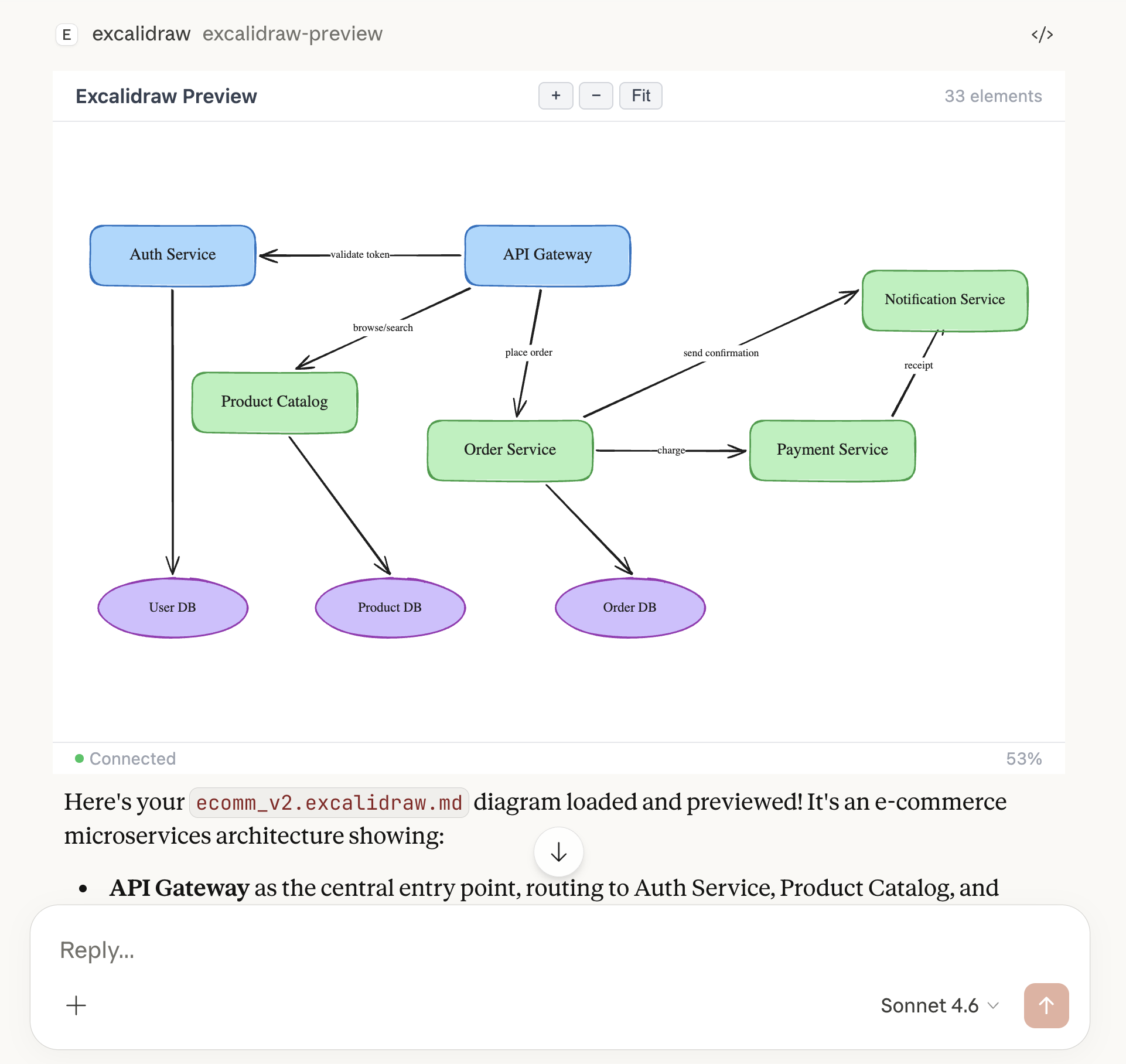
I’ve been working to get my head around what is and isn’t possible with MCP Apps, and how they fit into an overall architecture that also includes agent skills and traditional MCP tools. Since Claude will often be pairing with a human while creating Excalidraws, I needed a way for the human to also see interim diagram renders. A simple MCP App filled this need nicely:
Nice Plumbing, Mrs. Loopner
I implemented this thing for my own use, but built it to be approximately ready for production use inside larger organizations, such as my CTO clients. In such a scenario, I’m a big believer in make-it-work-across-all-Claude-surfaces, which includes Claude.ai and therefore precludes quick-and-dirty local MCP solutions. Instead, I build “Claude Connector” pattern remote OAuth MCPs that authenticate with an identity provider like Google or MS Entra.
I consume Excalidraw inside Obsidian, across a couple of Macs, so I went the extra mile to make that seamless: I can load from, and save to, my synchronized Obsidian vault. My Macs are dev machines and I’ve chosen not to make either of them act as a server. Since Obsidian offers cloud sync but not cloud storage or a cloud API, I had to figure out a way to effectively roll my own Obsidian cloud. Fortunately, I have an always-on Synology NAS, and was able to set it up as a tiny Obsidian cloud server.
This combination led to somewhat complex plumbing—another diagram made by Claude using the Excalidraw MCP:
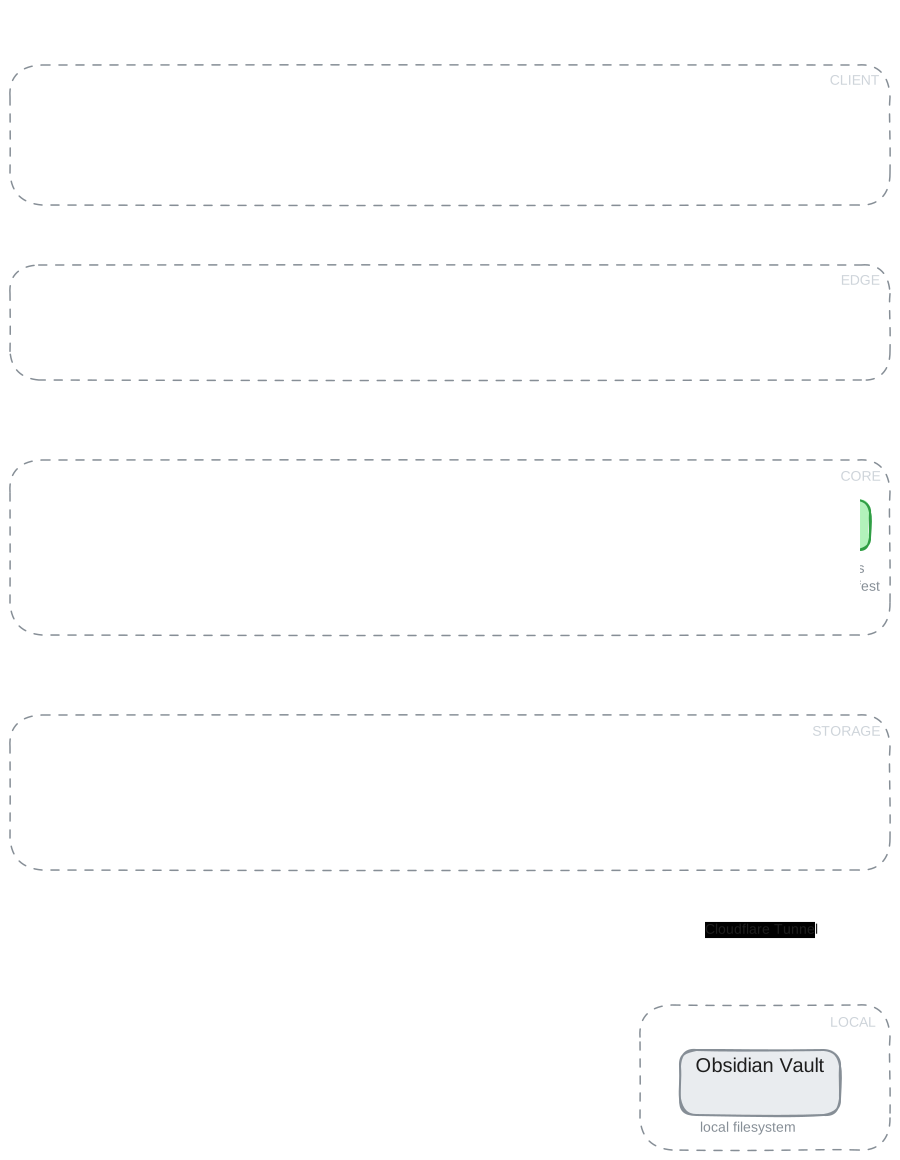
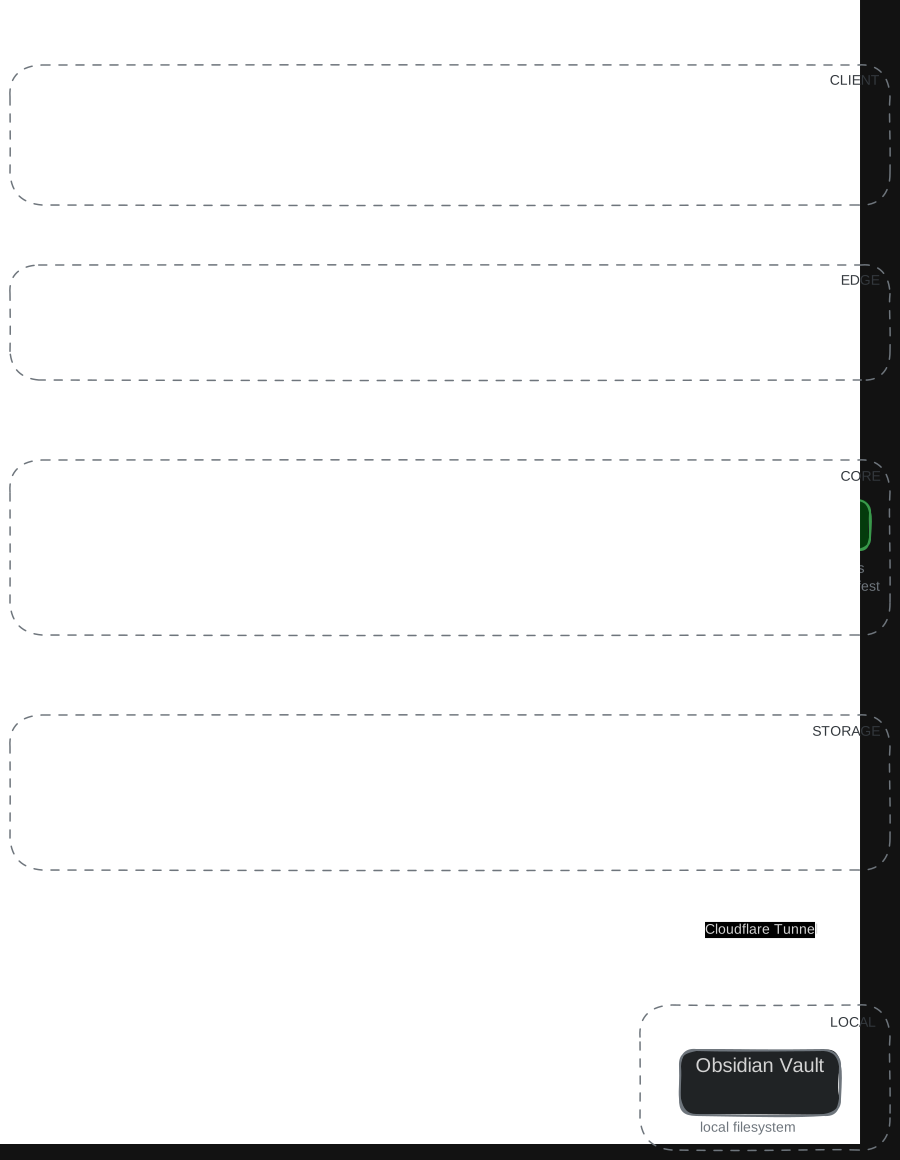
With Claude Code’s help, though, I was able to tackle this without too much difficulty. Insane, because I would never have dared attempt this even a year ago, let alone in 2022.
Wrap it up in a Skill
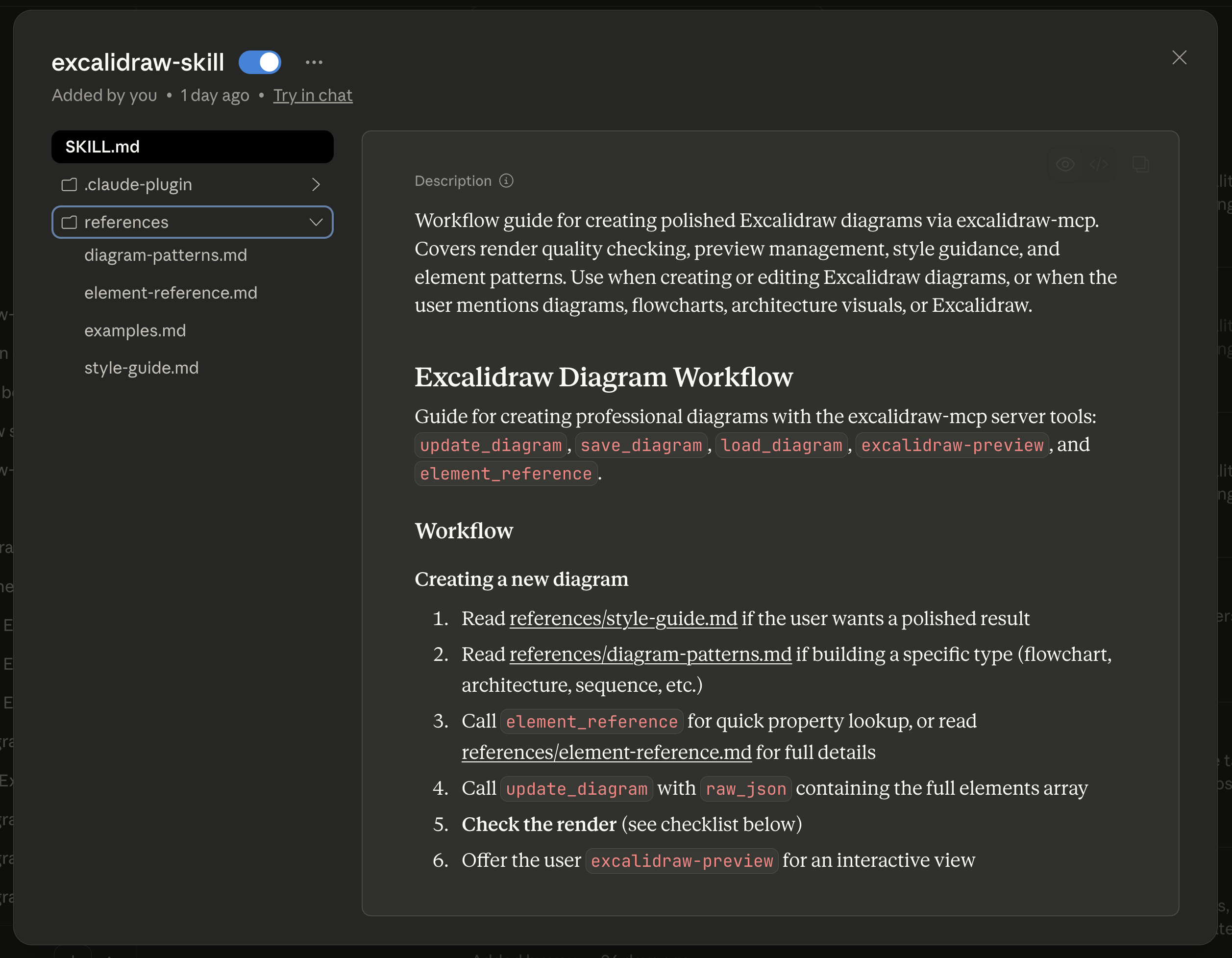
I wanted to keep the MCP as lightweight as possible, with a limited set of carefully-crafted tools and an MCP App for inline previewing. But there are things the model really needs to be reminded about (“always check your work!”), and details that should be available as needed without adding a ton of context overhead (“Excalidraw Style Guide”). This ended up being a perfect fit for an agent skill:
It’s Actually Really Useful
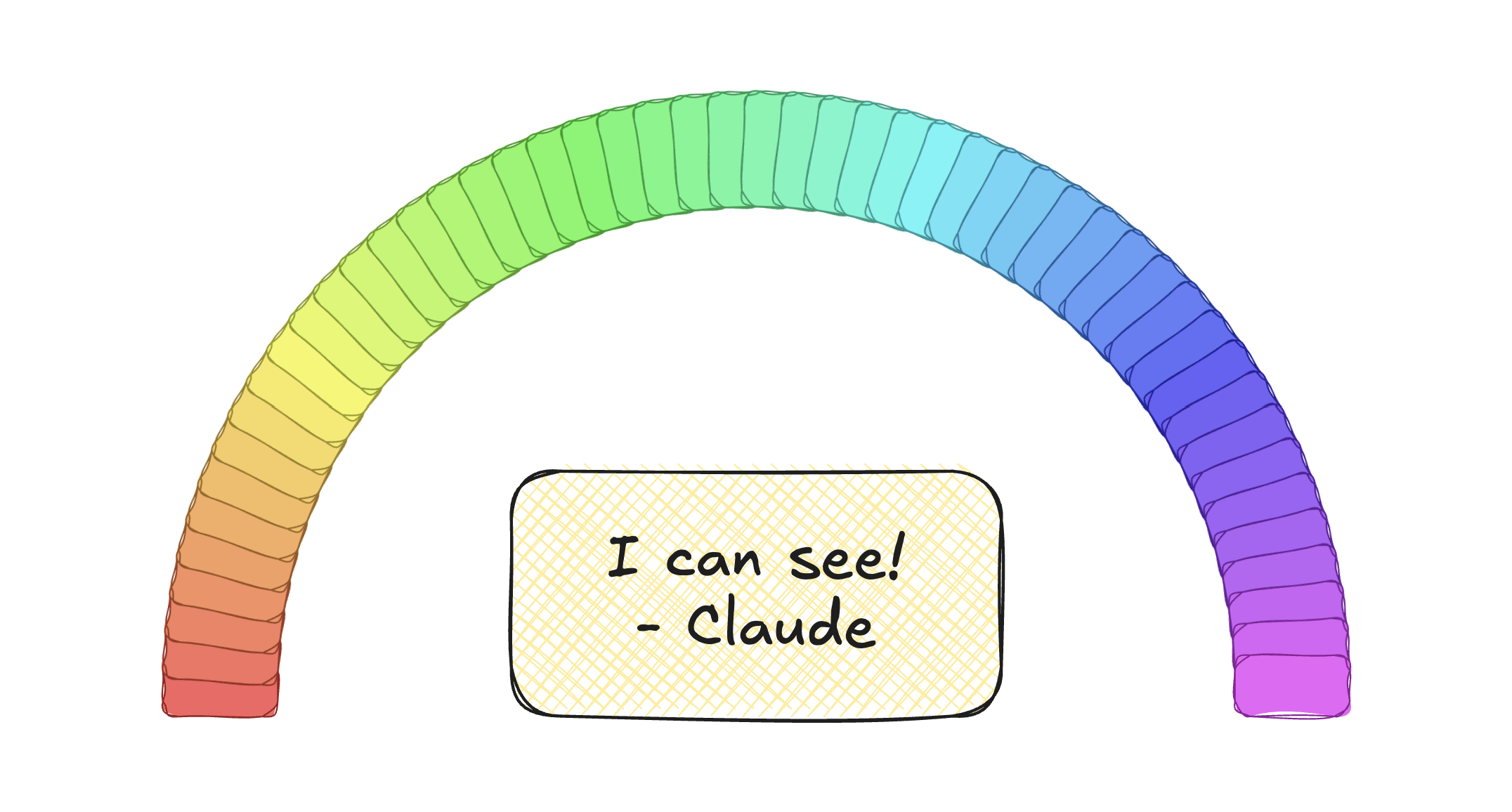
I’ve been known to tackle this kind of project just as a learning exercise, but the Excalidraw MCP + Skill + Obsidian integration is already proving its worth. And I can use it from Claude Code, or Claude Desktop, or Claude Cowork, or Claude.ai … The cover art for this post itself is a Claude-generated diagram: